

Every Saudi e-commerce journey passes through one document: the Commercial Registration — the CR. Salla and Zid ask for it before they enable online payments, marketplaces ask for it at onboarding, and your business bank account starts with it. This guide walks the CR itself: which type an online seller needs, the exact application flow through the Saudi Business Center, the official fees, and the mistakes that get applications bounced.
Table of Contents
Do You Need a CR to Sell Online in Saudi Arabia?
For a real store: yes. The platforms’ rules make it unavoidable — online payments (mada, cards, Apple Pay) on Salla, Zid and Shopify-in-Saudi all sit behind a registered business with a CR, because gateways and banks onboard businesses, not individuals (our payment gateway guide covers that onboarding). A CR is also what Maroof/store verification and marketplace seller applications ask for. The informal alternative — a freelance document — fits a narrower set of activities; the CR is the full commercial route, and this site’s pillar guide shows where it sits in the full setup sequence.
Establishment (Moassasa) vs LLC: Which CR Type?
- Sole establishment (moassasa): one owner, simplest and cheapest to open, the default for solo Saudi/resident sellers. The owner is personally liable for the business’s obligations.
- LLC: a company with its own legal personality — partners, articles of association, more formality, liability separated from the owners. The usual choice for co-founders and for foreign investors, who enter through MISA licensing first (our expat setup guide covers that route step-by-step).
If you are a foreigner not investing through MISA — for example an Iqama holder wondering what you can open directly — read the expat guide before assuming either route is open to you; eligibility depends on your status and the activity.
Step-by-Step: Getting the CR via the Saudi Business Center
The process runs online through the Saudi Business Center (business.sa) — the unified government platform for business licensing:

- Sign in with the owner’s account (National Single Sign-On / Nafath-linked).
- Choose the entity type (establishment or LLC) and reserve/enter the trade name — the name must be available and compliant (no prohibited or misleading terms).
- Select your activities — for an online store, add the e-commerce/internet retail activity (selling via websites/e-commerce) alongside any product-specific retail activity you need; activities determine which extra licences may apply later (e.g. regulated products).
- (LLC only) Prepare the Articles of Association — capital, partners, manager; the platform generates/accepts the AoA digitally.
- Pay the official fees (see below) and issue — the CR is issued electronically with a CR number and unified number (the 700-number), typically fast once documents and name pass.
- After issuance: Chamber of Commerce membership activates with the CR; open the business bank account, register for ZATCA/tax as your thresholds require, and hand the CR to your platform and gateway applications.
What It Costs (Official Fees)
The government fee lines for a main CR are (verify the live figures in the Business Center service page at application time — fees are set by the Ministry of Commerce and the Chamber):
- CR issuance fee: charged per year of validity you select (main CRs are issued for a chosen term; the per-year government fee has historically been SAR 200/year for the main registration — confirm the current figure on business.sa).
- Chamber of Commerce fee: varies by Chamber and activity/grade.
- LLC extras: AoA publication fee where applicable.
Budget honestly: official fees + Chamber + your first platform plan (SAR 99/month on both Salla Plus and Zid Rise) — the CR itself is one of the cheapest lines in the whole setup.
After the CR: The 4 Things It Unlocks
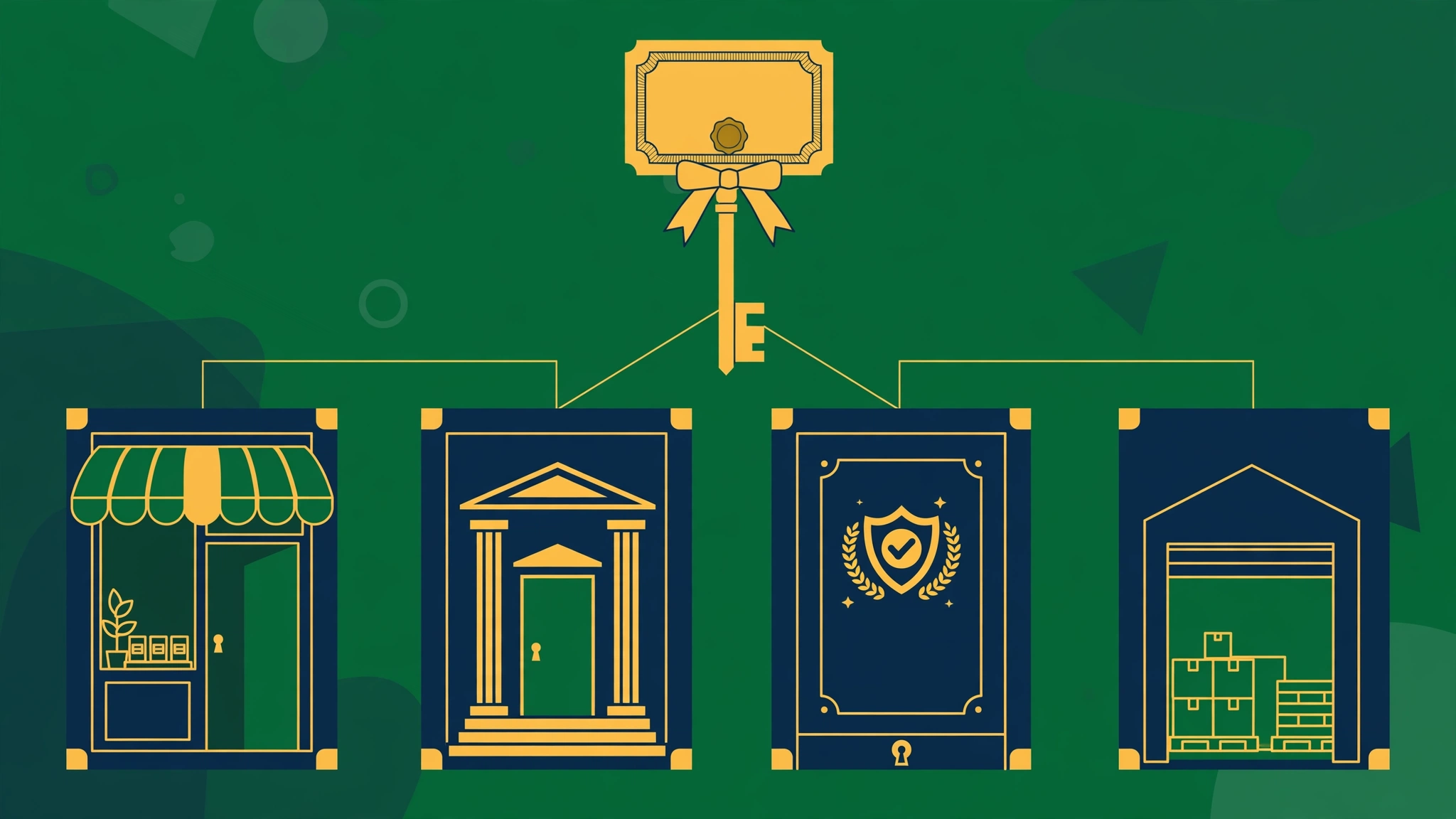
- Store plans with payments — Salla/Zid paid tiers and gateway onboarding (our Salla pricing and Zid pricing guides show what the plans cost).
- Business bank account in the business’s name (gateway disbursements land here).
- Maroof verification for your store (trust badge Saudi shoppers recognise).
- Marketplace applications — Noon and Amazon.sa onboard CR-holding businesses (both linked from our marketplace guides).
Mistakes That Get CR Applications Delayed
- Wrong activity list: forgetting the e-commerce activity (or adding a regulated activity you can’t license) — fix the activity set before paying.
- Trade-name problems: names that clash with existing registrations or contain restricted words.
- Name mismatches: owner name/ID details that don’t match Nafath records exactly — the same matching discipline marketplaces demand later.
- Skipping the sequence: applying for gateways or MISA steps out of order. Follow the pillar sequence: licence → CR → tax → bank → platform.
Fees and steps verified against the Saudi Business Center and Ministry of Commerce at writing; confirm live figures in the Business Center before paying. Independent guide; not a law firm or formation agent.
Related Guides
- Pillar: How to Start an E-Commerce Business in Saudi Arabia: Step-by-Step (2026)
- Expat setup: Set Up an E-Commerce Company in Saudi Arabia as a Foreigner (2026 Guide)
- Salla Pricing: Salla Plans & Fees in Saudi Arabia: What Each Plan Unlocks (2026)
- Zid Pricing: Zid Plans & Fees in Saudi Arabia: What Each Plan Unlocks (2026)
- Payment gateways: Best Payment Gateways in Saudi Arabia for Online Stores (2026)
- Freelance Document vs CR: Freelance Document vs Commercial Registration (CR) in Saudi Arabia: Which Do Online Sellers Need? (2026)
- Iqama & Salla: Can an Iqama Holder Open a Salla Store in Saudi Arabia? The Honest Answer (2026)
2 thoughts on “How to Get a Commercial Registration (CR) in Saudi Arabia for an Online Store (2026)”
Comments are closed.